


Running AI on your own computer used to be a research hobby. In 2026 it is a practical choice: open-weight language, image and video models are good enough for real work, and free tools turn a capable PC or Mac into a private AI workstation in an afternoon. This guide is the starting point for everything we publish on the subject. It explains what running models yourself actually involves, when it beats a cloud subscription, what you need, and where to go next for the detail.
| Quick answer: local AI means running AI models on your own hardware instead of a cloud service, so your data stays on your machine and there is no per-request bill. Start with Ollama or LM Studio for chat and coding models, use a graphics card with as much video memory as you can afford, and pick models by job: an open LLM for text, a coding model for development and a dedicated video or image model for media. |
Table of Contents
What is local AI?
Local AI is any AI model that runs on hardware you control, such as a desktop, laptop, workstation or your own server, rather than on a provider’s cloud. You download the model’s weights once, run them with a local runtime, and every prompt is processed on your machine. That covers chat assistants built on open-weight language models, coding helpers, image and video generators, speech-to-text and embeddings for searching your own documents.
It is different from simply using an AI app on your computer: apps such as ChatGPT or Claude send your prompts to a data centre. With a local setup nothing leaves the machine unless you choose to connect it to something. Our guide to running AI models offline walks through a fully disconnected setup.
Why run models on your own machine?
Privacy: client files, source code and personal data never leave your hardware, which matters in regulated work and for anything confidential. Cost: once you own the hardware there is no per-token bill, which pays off when usage is steady and heavy. Availability: models keep working offline, with no rate limits or outages. Control: you choose the model version, so it does not change behaviour overnight, and you can fine-tune it on your own data.
The trade-offs are real. The largest frontier models are not available as downloads, local models are usually a step behind the best cloud models on hard reasoning, and you pay up front for hardware and spend time maintaining the setup. For most people the answer is a mix: local models for private or repetitive work, a cloud model for the hardest problems.
What hardware do you need?
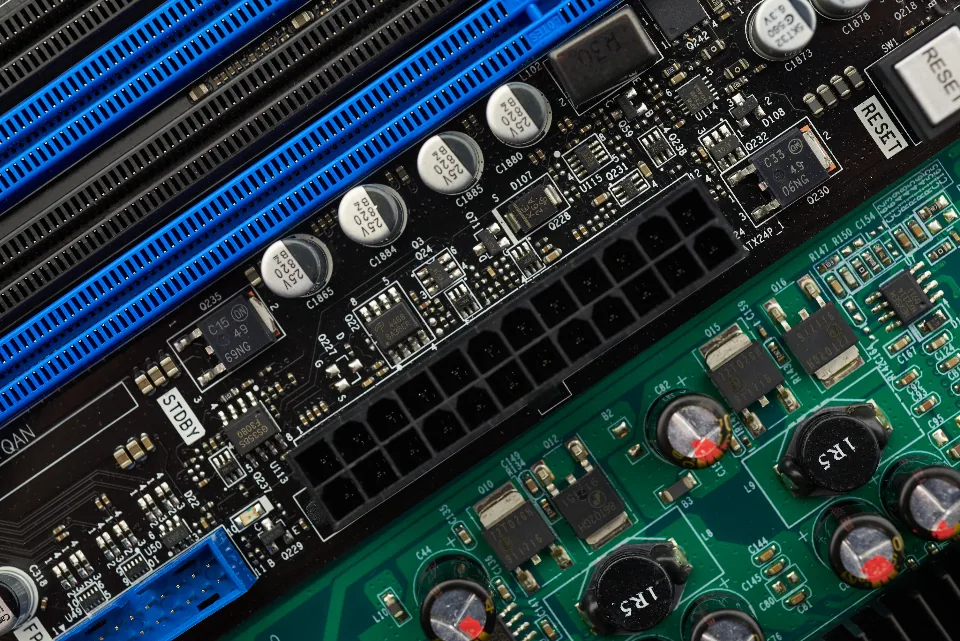
The single most important number is memory available to the model: video memory (VRAM) on a dedicated graphics card, or unified memory on Apple silicon Macs. It decides which model sizes you can load. Quantisation, which stores a model’s weights at lower precision, lets larger models fit into less memory with a modest quality loss, and it is how most people run capable models on consumer hardware.
As a rule of thumb, small models run on almost any recent laptop, mid-sized models want a modern graphics card with plenty of VRAM or a Mac with a large unified memory pool, and video generation is the most demanding of all. Each of our model guides lists the memory a model needs from its own documentation; start with the best local LLM guide for text models and the best local AI video generator guide for video.

Which tools should you start with?
How we compare: these are the free runtimes most beginners and developers use, chosen for how quickly they get a model running and how well they connect to other software. Every tool here is free to download; we link to our detailed guides for setup steps rather than repeating them.
| Tool | Best for | Interface | Our guide |
|---|---|---|---|
| Ollama | Running chat and coding models with one command | Command line and local API | Ollama tutorial |
| LM Studio | Browsing, downloading and chatting with models in a desktop app | Desktop app | Ollama vs LM Studio |
| llama.cpp | Maximum control and performance tuning | Command line | How to run an LLM locally |
| ComfyUI | Image and video generation workflows | Node-based web interface | Local video generators |
Ollama and LM Studio for language models
Ollama is the quickest route for developers: one command downloads and runs a model, and it exposes a local API that many apps and coding tools can talk to. LM Studio suits people who prefer a desktop app for finding models, checking whether they fit in memory and chatting with them. Both run the same open-weight models, so you can switch later without losing anything.
llama.cpp for control
llama.cpp is the engine underneath much of the local AI world. Using it directly gives you the most control over quantisation, context length and performance, at the cost of more setup. It is the right choice once you know exactly what you want to tune.
ComfyUI for images and video
Image and video models are usually run through ComfyUI, a node-based interface where you build a generation pipeline from blocks. It looks complex at first, but shared workflows mean you rarely build one from scratch. Our video guide explains which open video models are worth the GPU time.
Which models fit which job?
Pick the model for the task, not the most famous name. The right open model for chatting about documents is rarely the right one for writing code or generating video, and smaller specialised models often beat larger general ones on a single job.
| Job | Where to start | Guide |
|---|---|---|
| General chat and writing | An open-weight LLM sized to your memory | Best open source LLM |
| Running models you can host yourself | Models with permissive licences and good quantised builds | Best local LLM |
| Coding | A coding-tuned model, local or via API | Best AI model for coding |
| Data analysis | A model strong at reasoning and code execution | Best LLM for data analysis |
| Laptops and phones | A small language model | What is a small language model? |
| Video generation | An open video model run through ComfyUI | Best local AI video generator |
Before you commit to a model, read its licence. Some models described as open restrict commercial use or large deployments, and the licence, not the label, decides what you may ship. Our open source LLM guide flags the licences that come with conditions.
Running models yourself vs paying for an API
Self-hosting wins when demand is steady and predictable, because a GPU costs the same whether it runs all day or sits idle. Paying per token wins when usage is spiky or small, and when you need the strongest frontier models. Engineering time is the cost most comparisons leave out: someone has to keep the setup running.
Many teams split the work: a local model handles private documents, drafts and high-volume routine tasks, while an API handles the hardest questions. Our guides to the cheapest AI API and the best AI API show what the cloud side costs, and fine-tuning vs RAG explains how to make either side know your own data.
Every guide in this series
Getting started
How to run an LLM locally, Ollama tutorial for beginners, Ollama vs LM Studio and How to run AI models offline take you from a fresh install to a working, private setup.
Choosing models
Best local LLM, Best open source LLM, Best AI model for coding, Best LLM for data analysis, What is a small language model? and Best AI models compared cover which model to pick for each job, local or cloud.
Media and cost
Best local AI video generator and Best open source AI video generator cover video on your own GPU, while Cheapest AI API, Best AI API and Fine-tuning vs RAG help you decide what to run yourself and what to rent.
How one consultancy cut its AI bill with a local model
Illustrative example. Teodor Lindqvist runs a six-person data consultancy in Uppsala that summarises client documents every day. Their API bill had grown every month, and two clients had asked that their files never leave the firm’s machines.
The team installed Ollama on one workstation with a large graphics card, chose a mid-sized open model that fit in memory after quantisation, and pointed their document tools at its local API. Routine summaries moved on-premises, while a cloud model was kept for the few hardest analyses each week. The API bill fell sharply, and the two clients’ documents now stay inside the office.
Frequently Asked Questions
What is local AI?
Local AI means running AI models on hardware you control, such as your own computer or server, instead of sending prompts to a cloud service. You download the model once and every request is processed on your machine, so your data stays private and there is no per-request fee.
Can I run AI locally on my PC?
Yes. Free tools such as Ollama and LM Studio run open-weight models on Windows, Mac and Linux. Small models run on most recent laptops, while larger language models and video generation need a graphics card with plenty of video memory or a Mac with a large unified memory pool.
What are the best local AI tools for beginners?
LM Studio is the easiest place to start because it is a desktop app that shows which models fit your hardware. Ollama is the quickest for developers, with one-command model downloads and a local API. ComfyUI is the standard choice for local image and video generation.
Is local AI as good as ChatGPT?
For many everyday tasks, such as summarising, drafting and coding help, good open models come close. The largest frontier models still lead on the hardest reasoning and are not available as downloads, so many people use a local model for private and routine work and a cloud model for the toughest problems.
Is running AI locally cheaper than using an API?
It can be when usage is steady and heavy, because the hardware costs the same whether it is busy or idle and there is no per-token bill. For light or unpredictable use, paying per request is usually cheaper. Remember to count the time needed to maintain a local setup.
Is local AI private?
It is as private as the machine it runs on. Prompts and files are processed locally and do not leave your hardware unless you connect the model to an online service. Keep the system updated and check that any app built on top of the model does not send data elsewhere.
Conclusion
Local AI is now a practical way to keep data private, avoid per-request bills and keep working offline. Start with Ollama or LM Studio, match the model to the job and to your memory, and keep a cloud model for the hardest problems.
Use this page as your map: every guide in the series is linked above, from first install to video generation. The best local AI setup is the one that does your real work on hardware you already trust.
