


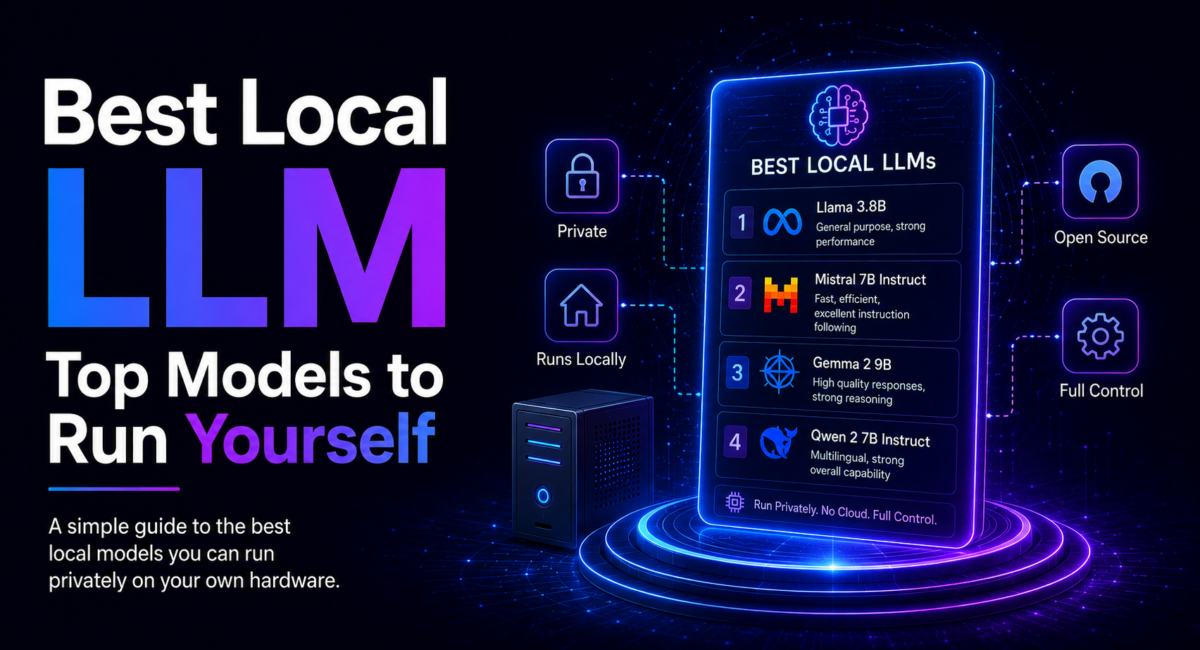
| Quick answer: The best local LLM depends on your hardware and your task. For coding, Qwen leads open weights; for reasoning and math, DeepSeek and Microsoft’s Phi punch above their size; Llama is the safe general default; Gemma and Phi-mini fit tiny laptops; and OpenAI’s gpt-oss gives a ChatGPT-style feel fully offline. Match model size to your VRAM. |
A local LLM is a large language model whose weights you download and run on your own computer, so prompts and responses never leave your machine. This guide is written By the TechieHub Editorial Team · Updated July 2026.
How we compare: we weight published benchmarks (AIME, LiveCodeBench, MATH, SWE-bench-style coding tests) alongside real-world usability — how easily a model pulls and runs on consumer hardware — and we re-verify picks against the live model libraries, because the leaderboard genuinely shifts month to month. Affiliate disclosure: some outbound links may be affiliate or partner links; the runtimes and models recommended here are free and open, and our rankings are never paid placements.

Table of Contents
What makes a local LLM worth running?
Two things decide whether running a model yourself is worth it: privacy and cost. Because every token is generated on your own GPU or unified memory, nothing you type is transmitted to a third-party API — a decisive advantage for healthcare, legal and proprietary code work where data cannot leave the building. After the one-time hardware outlay there are no per-token or subscription fees; the only ongoing cost is electricity, which makes local models highly economical for heavy, high-volume use.
The catch is that a model must fit in memory. As a rough rule, a model needs about 2 GB of VRAM per billion parameters at full precision, and quantization (compressing the weights) cuts that by roughly four times at 4-bit. That is why the default quantization most people run is Q4_K_M, which keeps around 95% of quality at a quarter of the memory. If a local LLM is new to you, our primer on what a small language model is explains why compact 3B-14B models now do so much of the everyday work.
Which is the best local LLM for your use case?
There is no single winner — the strongest choice changes with the job. Here is how the leading open families line up in 2026:
- Best for coding — Qwen. Alibaba’s Qwen Coder models are the reigning open-weight coding pick. The Qwen2.5-Coder 32B variant lands within a few points of GPT-4o on Aider’s code-editing pass-rate benchmark, and even the 7B version outperforms comparable general models on generation. It is a natural companion to our guide on the best AI model for coding.
- Best for reasoning and math — DeepSeek and Phi. DeepSeek’s R1-class reasoning models score around 79.8% on AIME and rival frontier cloud models on logic, with distilled variants from 1.5B up to 70B for consumer hardware. Microsoft’s Phi-4 hits roughly 80.4% on the MATH benchmark while fitting on 8-16 GB — exceptional capability per gigabyte.
- Best all-round default — Llama. Meta’s Llama family offers the broadest ecosystem and countless fine-tunes, making it the easiest, safest starting point for general assistant work. Note Llama ships under Meta’s community license, not a standard OSI-approved one.
- Best lightweight — Gemma and Phi-mini. Google’s Gemma small models run on just a few gigabytes (Gemma 3 4B needs about 4.2 GB), and Phi-mini around 3.8B is ideal for tight 8 GB machines, some with multimodal support.
- Best offline ChatGPT-like — gpt-oss. OpenAI’s open-weight gpt-oss-20b and gpt-oss-120b are Apache 2.0 reasoning models with a 128K context window; OpenAI says the 20B runs in 16 GB of VRAM, giving a familiar assistant experience with no data leaving your machine.
Qwen — best open weights for coding
The strongest coding family you can run yourself, with Coder variants at 7B, 14B and 32B so the same model line scales from a laptop to a workstation. If code is the reason you are running locally, start here and size to your VRAM rather than reaching for a general model.
DeepSeek — best for reasoning and maths
Punches well above its parameter count on reasoning and mathematical work, which is where most small local models fall apart. The distilled variants are the practical route on consumer hardware.
Microsoft Phi — best capability per gigabyte
Built to be small and still competent. Phi-mini is one of the few genuinely useful options at 8 GB, and Phi-4 at 14B is a strong fit for a 16 GB workstation. Choose it when hardware is the binding constraint rather than raw quality.
Llama — the safe general default
The broadest tooling, quantisation and community support of any open family, which matters more than benchmark position when something breaks at 11pm. Pick it when you want one model that does most jobs adequately rather than one that excels at a single job.
Gemma — best for small machines
Runs from about 4B on modest laptops and scales to 27B for 24 GB cards, making it the most forgiving family to start with if you are not sure what your hardware will take.
gpt-oss — closest to a ChatGPT feel offline
OpenAI’s open-weight line, and the pick when you want familiar behaviour with no network dependency at all. The 20B build suits a 16 GB workstation; on Apple Silicon with 64 GB or more of unified memory the larger builds become viable through MLX.
For analytics-heavy work, several of these double as capable spreadsheet and dataset assistants; see our breakdown of the best LLM for data analysis to match the right reasoning model to structured tasks.

How much VRAM do you need for each model?
Your VRAM — or unified memory on a Mac — sets the size ceiling; pick the strongest model that fits, then choose its quantization. Entry laptops run 7-8B models comfortably at Q4; 16 GB workstations handle 12-14B at Q5 for a little more fidelity; and 24 GB or more opens up 27-70B models at roughly 10-25 tokens per second. Apple Silicon Macs with 64 GB or more of unified memory can load very large models via the MLX backend.
| Hardware tier | Model size & picks |
| 8 GB VRAM / laptop | 3-8B — Phi-mini, Qwen 7B Coder, Gemma 4B |
| 16 GB VRAM / workstation | 12-14B — Qwen 14B, Phi-4 14B, gpt-oss-20b |
| 24 GB+ VRAM / power user | 27-70B — Gemma 27B, Qwen 32B Coder, 70B distills |
| Apple Silicon (64 GB+) | up to 120B — large models via unified memory + MLX |
How much quality do you actually give up?
Less than most people expect. The best local 14B-class models — Qwen 14B, Phi-4 and Gemma among them — reach roughly 80-90% of top cloud-model quality, and on everyday work like code completion, summarization, drafting and Q&A, most users cannot tell the difference in a blind test. Open weights now match or beat GPT-4-class performance specifically on coding, math and long-context tasks. Gemma 4 31B even ranked #3 among all open models on the Arena text leaderboard as of mid-2026, with 89.2% on AIME 2026.
Where the gap remains
The gap remains on the hardest multi-step reasoning and the most demanding creative writing, where the largest frontier cloud models still lead simply because they are far bigger than anything that fits on consumer hardware. The practical move is a hybrid one: run a capable local model for the bulk of your requests and reserve a cloud model for the occasional task that genuinely needs frontier reasoning. To see where each cloud option fits, our pillar on the best AI models maps the whole landscape.
What benchmark headlines leave out
It is also worth remembering what benchmark headlines leave out. Scores like AIME or LiveCodeBench are directional, measured under controlled conditions that rarely mirror your prompts, your codebase or your data. A model that tops a math leaderboard may still lag on your particular refactoring style, and a lower-ranked model may feel faster and more reliable on the tasks you actually repeat all day. Treat any single ranking as a snapshot, not a verdict, and remember that local models can still hallucinate and lack the safety alignment of managed services — so review outputs for anything important. The only test that truly counts is running two or three candidates on your own workload for a week and keeping whichever earns its place.

A local model in practice: a solo developer’s setup
Consider Maya, a freelance full-stack developer who works under strict client NDAs. She cannot paste proprietary code into a hosted assistant, so she runs everything locally on a workstation with a 24 GB GPU. Her routine is telling: she keeps three models pulled at once and switches between them instantly, treating each as a specialist rather than hunting for one do-everything model.
For day-to-day chat and drafting she uses an 8B Llama; for her core work — refactoring, writing tests, debugging — she loads Qwen 32B Coder, which handles her repositories without ever touching the network; and for quick shell one-liners she fires up Phi-mini for near-instant answers. Because switching in her runtime is instant and every model is free, there is no cost to keeping a small library rather than compromising on a single choice. The truthful outcome: after a month she found she reached for cloud tools far less than she expected, because a well-chosen local model handled the everyday majority of requests privately and at zero marginal cost, leaving only the rare, genuinely hard reasoning task for a cloud call. For anyone weighing that trade-off, the deciding factors are almost always confidentiality and volume — the more sensitive or high-frequency your work, the more a local setup pays for itself.
How do you choose and install your local LLM?
Pick along two axes. First your use case: Qwen for coding and multilingual work, DeepSeek or Phi for math and reasoning, Llama for general chat, Gemma or Phi-mini for lightweight and edge use, gpt-oss for a familiar offline assistant. Second your hardware: let VRAM set the ceiling, then pick the best model in that class.
Getting started is a single command. Runtimes like Ollama pull and run any model with one line — the official registry already lists over 200 curated models — while LM Studio offers a GUI-first experience on top of the same llama.cpp engine. A few habits get the most from any model: default to Q4_K_M and step up to Q5 or Q6 only with spare VRAM; verify the license before commercial use, since Qwen and gpt-oss use permissive Apache 2.0 while Llama and Gemma carry their own community terms; and always test on your real tasks, because benchmark rankings do not perfectly predict your specific workload. Browse the current options and pull commands on Hugging Face and the Ollama library before downloading.
Frequently Asked Questions
What is the best local LLM overall?
There is no single winner; it depends on your task and VRAM. Qwen leads for coding, DeepSeek and Phi excel at reasoning and math, Llama is the safe general default, and Gemma or Phi-mini suit lightweight machines. Pick the largest size your memory allows.
What is the best local LLM for coding?
Qwen’s Coder models are the strongest open-weight coding picks. The 32B variant lands within a few points of GPT-4o on Aider’s code-editing benchmark, and even the 7B version beats comparable general models. Match the largest Coder model your VRAM supports for the best results.
What is the best local LLM for 8 GB of VRAM?
On 8 GB, run a 7-8B model at Q4_K_M, which fits in about 4-6 GB. Strong picks are Phi-mini for general use, Qwen 7B Coder for code, and Gemma 4B for lightweight or multimodal tasks, all leaving headroom for context.
Can a local LLM match ChatGPT or Claude?
For everyday work, largely yes. The best local 14B models reach roughly 80-90% of top cloud quality, and most users cannot tell them apart on drafting, summarization or code completion. Frontier cloud models still lead on the hardest multi-step reasoning and creative writing.
How much VRAM does a local LLM need?
Budget about 2 GB of VRAM per billion parameters at full precision; Q4 quantization cuts that roughly fourfold. So 8 GB runs 7-8B models, 16 GB runs 12-14B, and 24 GB or more runs 27-70B models. Always leave 10-20% headroom for the context window.
Are local LLMs free to use?
Yes. The models and runtimes are free to download and run, so after your hardware there are no per-token fees, only electricity. Licenses vary, though: Qwen and gpt-oss use permissive Apache 2.0, while Llama and Gemma carry community terms with conditions for commercial deployment.
Conclusion
Local models stopped being a compromise somewhere in 2026. For coding, summarising, extraction and drafting on your own data, a well-chosen open model on hardware you already own is genuinely sufficient — and the gap that remains is narrowest exactly where privacy matters most.
Work backwards from VRAM rather than from leaderboards. Your card decides the parameter count, the parameter count narrows the family, and only then does the choice between Qwen, Phi, Llama and the rest matter. Start with a quantised model one tier below what you think you can run, confirm it is fast enough to actually use, then size up. The cost is electricity and disk rather than a subscription, which is the whole point — see our guide to open source AI models for licences and weights in more depth.
