


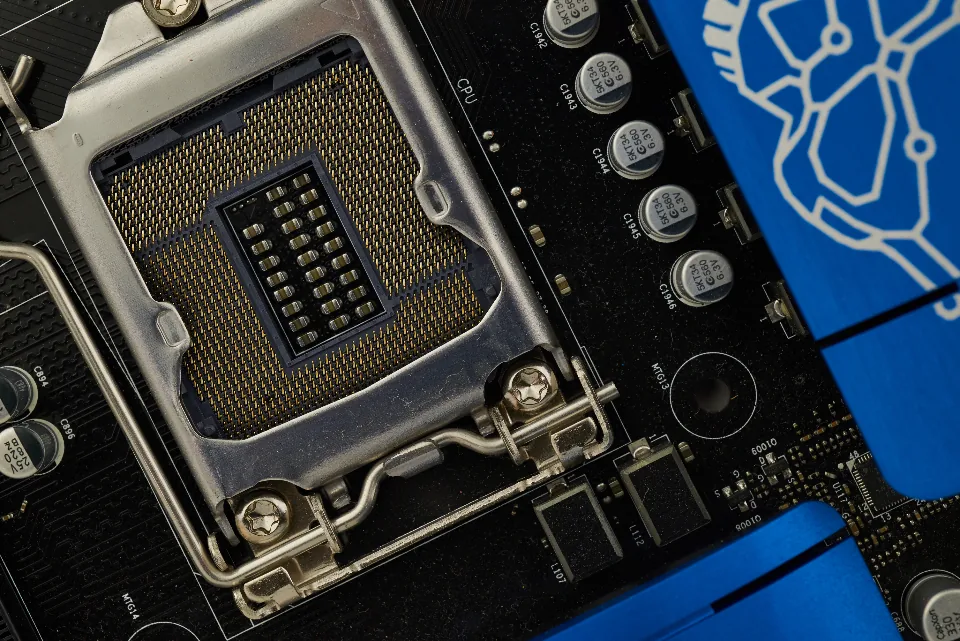
The model you can run at home is decided before you type a single prompt: by how much memory your hardware has and how fast it can move data. Buy the wrong machine and you either cannot load the model you wanted or wait several seconds for every sentence. This guide explains what actually matters, compares the four realistic hardware paths in 2026, and suggests a safe order to buy in, so your money goes into the part that limits you. If you also plan to generate video, our ranking of the best local AI video generator options lists the memory each model needs.
| Quick answer: the best hardware for local LLM work depends on model size. For models up to about 30B parameters, an NVIDIA graphics card with 16-32GB of VRAM (RTX 5060 Ti 16GB, a used RTX 3090 or an RTX 5090) is fastest. For 70B-class and larger models, a machine with 128GB or more of unified memory, such as a Mac Studio, an AMD Ryzen AI Max+ 395 mini PC or NVIDIA DGX Spark, fits more but generates more slowly. |
Table of Contents
Start with the model, not the product
Decide which models you want to run first, then buy the memory to hold them. A rough rule from our best local LLM guide: a model needs about 2GB of memory per billion parameters at full 16-bit precision, and 4-bit quantization cuts that to roughly a quarter, plus some headroom for the context window. Most people run 4-bit builds, which keep most of the quality.
| Model size | Memory at 4-bit (approx.) | Hardware that fits | Typical use |
|---|---|---|---|
| 3-8B | 4-6GB | Most recent laptops, 8GB graphics cards | Chat, summaries, simple coding help |
| 12-14B | 8-10GB | 12-16GB graphics cards | Strong everyday assistant, coding |
| 27-32B | 16-20GB | 24-32GB graphics cards | Near-cloud quality on many tasks |
| 70B | About 40GB | Two 24GB cards, or 64GB+ unified memory | High-quality reasoning and writing |
| 100B+ | 60GB and up | 128GB+ unified memory | The largest open models |
Long context windows add to the total, because the conversation history is held in memory too. If you plan to paste whole documents or codebases, leave several gigabytes of headroom above the model’s own size.
Capacity vs bandwidth: the two numbers that matter
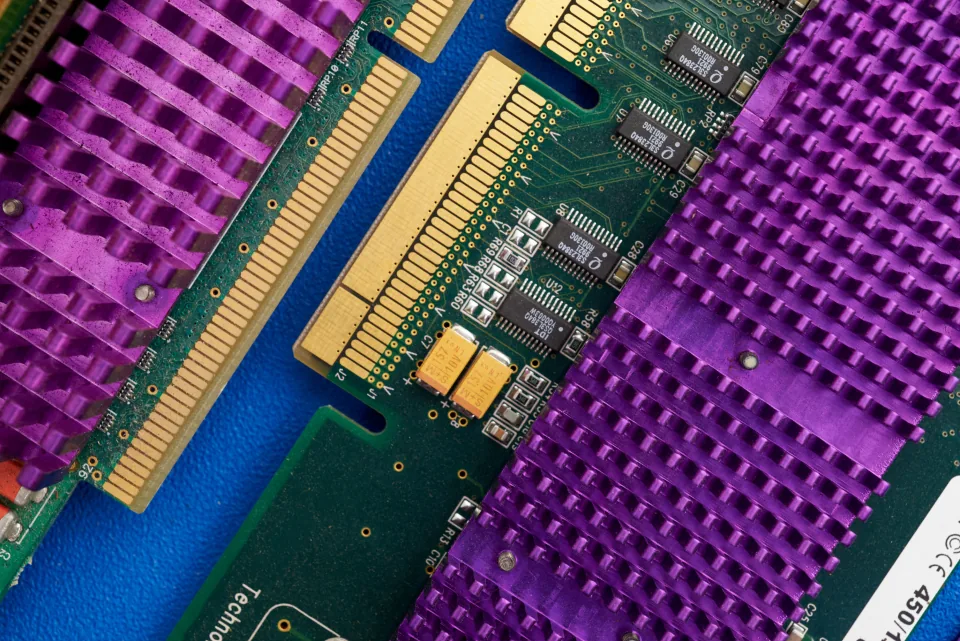
Capacity decides whether a model loads at all. Memory bandwidth decides how fast it writes, because generating each word means reading the model’s weights from memory. A graphics card with very fast dedicated memory produces text quickly but holds less; a unified-memory machine holds far more but moves it more slowly. That is the central trade-off in every buying decision below.
Unified memory is not the same as VRAM. On Apple silicon and AMD Ryzen AI Max systems, the processor and graphics share one pool, so a large share of it can hold a model, but some is always reserved for the operating system and apps. Plan on using most of the pool, not all of it.
The best hardware for local LLM use: four paths compared
How we compare: we judge each path on usable memory for models, generation speed, software support and price. Prices are launch or list prices from the makers; memory shortages have pushed street prices well above list for much of 2026, so check current listings before you buy.
| Path | Memory for models | Speed | Software support | Best for |
|---|---|---|---|---|
| NVIDIA graphics card | 16-32GB per card | Fastest | Best: CUDA works with every tool | Models up to about 30B |
| Apple silicon Mac | Up to 256GB unified | Moderate | Good: Ollama, LM Studio, MLX | Large models, quiet desk setup |
| AMD Ryzen AI Max+ 395 | Up to 128GB unified | Moderate | Improving | 70B-class on a budget |
| NVIDIA DGX Spark | 128GB unified | Moderate | Strong: CUDA stack | Developers who want CUDA plus capacity |
Path 1: an NVIDIA graphics card
This is the fastest option whenever the model fits in VRAM, and the safest for software, because almost every local AI tool supports NVIDIA’s CUDA first. The RTX 5060 Ti 16GB is the entry point for 12-14B models. A used RTX 3090 remains the value pick for its 24GB. The RTX 5090, launched at $1,999 with 32GB, runs 32B models at 4-bit on a single card, though it has sold far above that price for most of 2026. Two cards can split a 70B model.
Path 2: an Apple silicon Mac
Macs trade speed for capacity and convenience. A Mac Studio with a large unified memory pool loads models no single consumer graphics card can, runs silently and draws little power. Apple removed the 512GB Mac Studio option in March 2026, according to reports from MacRumors and 9to5Mac, leaving 256GB as the ceiling. Ollama, LM Studio and Apple’s MLX framework all run well on Macs, and our Ollama vs LM Studio comparison covers which app suits you.
Path 3: an AMD Ryzen AI Max+ 395 mini PC
Mini PCs and small desktops built on AMD’s Ryzen AI Max+ 395 offer up to 128GB of unified memory at a lower price than a comparable Mac. They load 70B-class models that no single graphics card can hold, at slower speeds than an NVIDIA card. Software support is improving but still trails CUDA, so check that your chosen tool supports AMD before buying.
Path 4: NVIDIA DGX Spark
DGX Spark is a compact desktop with 128GB of unified memory and NVIDIA’s full software stack. NVIDIA raised its list price from $3,999 to $4,699 in February 2026, citing memory supply. It suits developers who want CUDA compatibility and large capacity in one box, rather than people chasing the fastest text generation.
Recommended builds by budget
Starter: any recent laptop or desktop with 16GB of RAM runs 3-8B models through Ollama today, so test before you spend anything. Mid-range: a desktop with an RTX 5060 Ti 16GB or a used RTX 3090 handles 14-32B models well. Enthusiast: an RTX 5090 for speed, or two 24GB cards for 70B models. Capacity first: a 128GB unified-memory machine, such as a Ryzen AI Max+ 395 system, DGX Spark or a high-memory Mac Studio, for the largest open models.
Do not starve the rest of the system. Pair a graphics card with at least 32GB of system RAM, use a fast NVMe SSD because models are tens of gigabytes each, and make sure the power supply covers a high-end card with margin.
A safer order to buy in
First, run small models on the hardware you already own to learn which sizes you actually need. Second, rent a cloud GPU for a few hours to try the larger model you are considering, which costs far less than a wrong purchase. Third, buy for the memory that model needs plus headroom. Finally, compare the total against simply paying for an API: our cheapest AI API guide shows when renting beats owning.
How one developer chose between a GPU and a Mac
Illustrative example. Owen Pritchard is a freelance developer in Cardiff who wanted a private coding assistant for client code. He first ran a 14B coding model on his existing gaming PC with a 12GB card, which proved useful but ran out of memory with large files in context.
He rented a cloud GPU for an afternoon to test a 32B coding model, found it clearly better for his work, and bought a used 24GB card rather than a high-memory Mac, because speed mattered more to him than running 70B models. For the occasional hard problem he still uses a cloud model. Our best AI model for coding guide covers the models he compared, and our local AI guide maps the rest of the setup.
Frequently Asked Questions
How much VRAM do I need for a local LLM?
About 8GB runs 7-8B models at 4-bit, 16GB runs 12-14B models comfortably, 24-32GB runs 27-32B models, and 70B models need about 40GB, which means two cards or a unified-memory machine with 64GB or more. Add headroom for long context windows.
Is 24GB of VRAM enough for a local LLM?
For most people, yes. 24GB runs 27-32B models at 4-bit, which cover everyday chat, writing and coding well. It is not enough for a 70B model on a single card, which needs about 40GB at 4-bit.
Is a Mac or a PC better for running LLMs locally?
A PC with an NVIDIA graphics card is faster for models that fit in its VRAM and has the widest software support. A Mac with a large unified memory pool can load much bigger models on one machine, quietly and efficiently, but generates text more slowly.
Is unified memory the same as VRAM?
Not quite. Unified memory is shared between the processor and graphics, so a large part of it can hold a model, but some is reserved for the system. It is usually slower than the dedicated memory on a high-end graphics card, which is why unified-memory machines fit bigger models but write more slowly.
Can I run a local LLM without a graphics card?
Yes, small models run on the processor and system RAM alone, and tools such as Ollama do this automatically. Expect slow responses with anything above about 8B parameters. A graphics card or a unified-memory machine makes a large difference.
Is DGX Spark worth it for local LLMs?
It suits developers who want 128GB of memory and NVIDIA’s CUDA software in one compact box. At its $4,699 list price, people who mainly want fast text generation on models up to about 30B will get more speed per dollar from a high-VRAM graphics card.
Conclusion
The best hardware for local LLM use is the cheapest machine that holds the models you actually need. Choose an NVIDIA graphics card with 16-32GB of VRAM for speed on models up to about 30B, and a 128GB-plus unified-memory machine when capacity for 70B-class models matters more than speed.
Test on what you own, rent before you buy, and check street prices against list prices. Buy memory for the model you will use every day, not the one that tops a leaderboard.
