


Disclosure: some links on TechieHub are affiliate links. We may earn a commission at no extra cost to you; it never changes which tools we recommend.
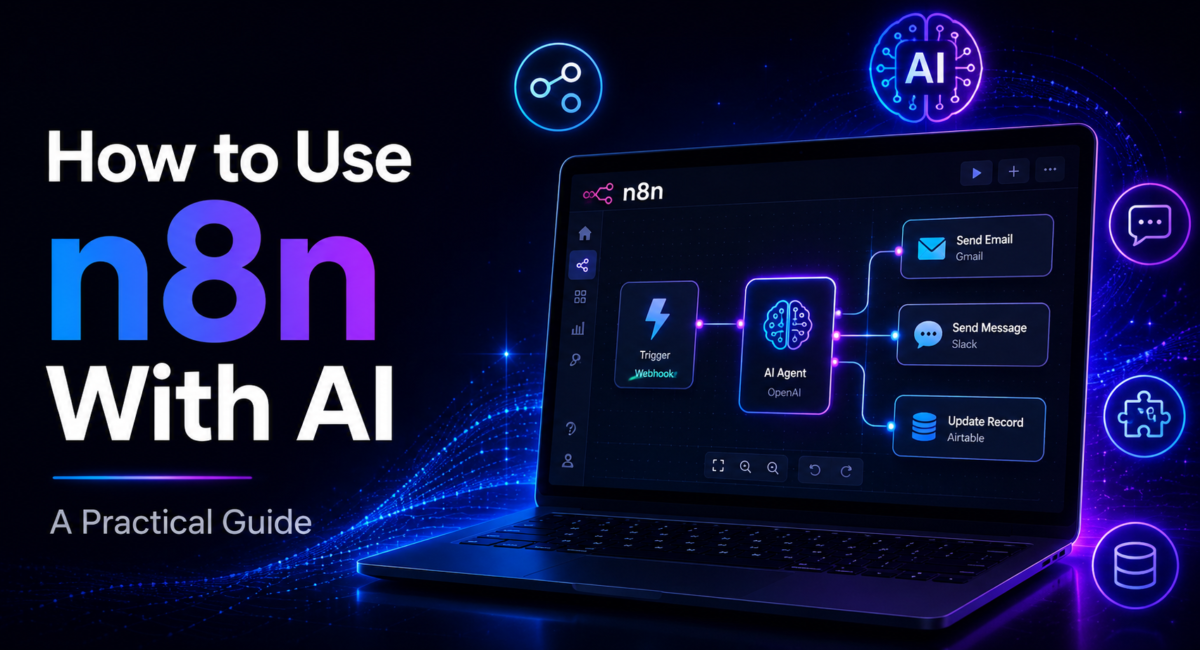
Most people meet n8n as a connector — a canvas where a webhook fires and a Slack message lands. Then they drop in one node and it becomes a workflow that reasons: it reads a request, decides which systems to touch, touches them, and reports back. This guide walks the setup as it works in mid-2026 and is honest about where the visual approach stops being right.

| Quick answer: To use n8n with AI, add the AI Agent node to a workflow, attach a chat model sub-node holding your provider API key, then connect memory, tools and — for document knowledge — a vector store. The agent loops through the model’s tool decisions until it returns a final answer. |
Table of Contents
What is the n8n AI Agent node?
The n8n AI Agent node is a root node that orchestrates a large language model, its memory and its tools inside a visual workflow, letting the model decide which actions to take and then executing those actions for it.
That distinction is the point. A chat model alone only produces text. The AI Agent node adds the machinery: it assembles the prompt, hands the model a list of callable tools, runs whichever tool the model picks, feeds the result back, and repeats until the model answers.
One correction to older tutorials: n8n removed the agent-type selector in version 1.82.0. There is no Conversational Agent or Plan-and-Execute dropdown any more — every AI Agent node now runs as a Tools Agent, as n8n’s official AI Agent node documentation states. If a guide tells you to pick an agent type, it predates that change.
Gartner projects that 40% of enterprise applications will ship task-specific AI agents by the end of 2026, up from under 5% in 2025. Visual builders are how most teams get there without hiring a platform team first.
What do you need before you start?
Three things, and only one of them costs money.
First, an n8n instance. You can self-host it with Docker at no licence cost: n8n ships under the Sustainable Use License, which permits free internal business use and restricts only reselling n8n itself as a hosted service. n8n Cloud removes the server job if you would rather not.
Second, an API key from a model provider. Anthropic, OpenAI and Google each issue one from a developer dashboard in minutes. In n8n you paste it into a credential, never into the node body.
Third, the step people skip: a task narrow enough to state in one sentence. Agents fail on vague mandates far more often than on misconfiguration. “Read the inbound email, classify it, and open a ticket at the right priority” is buildable. “Handle support” is not. If you are still picking a platform, our guide to the best AI automation tools shows where n8n sits.
How to Use n8n With AI: The Five-Step Setup
Which AI models can you connect in 2026?
Every provider is a swappable sub-node, so the choice is reversible. n8n ships chat-model sub-nodes for Anthropic, OpenAI, Google Gemini and Vertex AI, Mistral, Cohere and Hugging Face, plus Ollama for local models and a generic node for any OpenAI-compatible endpoint.
The Anthropic Chat Model sub-node connects Claude to an agent. Anthropic’s current flagship is Claude Opus 5.5 at $4 per million input tokens and $20 per million output – worth pointing an agent at when the task needs multi-step reasoning across several tools. Walkthroughs still naming Claude 3.5 or GPT-4o as the default are badly out of date, and so are the ones naming gpt-5-nano, which OpenAI has since replaced with its GPT-6 line. Check the provider’s own model list rather than copying a string from a tutorial.
Because the model is a modular sub-node, switching providers is a two-minute change — cheap enough to right-size: a fast model for classification and routing, the frontier model only where reasoning quality decides the outcome.
What are the moving parts of an n8n AI agent?
An agent has four components plus a trigger. The LLM reasons. Memory holds conversation history — a window buffer for recent messages, or Redis when context must survive a restart. Tools let it act: each is a sub-workflow, an HTTP request or an external service, so the agent can query a database, send a message, or hit any API you can reach. A vector store adds retrieval-augmented generation, so the agent pulls the relevant paragraphs from your documents instead of you pasting a whole handbook into the prompt.

Two 2026 additions matter. The MCP Client Tool sub-node lets an agent call tools exposed by an external Model Context Protocol server, so you can borrow a maintained tool surface instead of rebuilding it. And human-in-the-loop review now attaches per tool: enable it on one tool and the workflow pauses for approval before that tool executes, while everything else runs untouched. That is how you put an agent near production data without handing it the keys — a pattern covered further in our roundup of the best AI workflow automation tools.
Should you build the agent in n8n or write it in code?

How we compare: we build the same task twice — once as an n8n workflow, once in Python against a provider SDK — then score setup time, failure modes across a week of real traffic, and total token spend. We re-run the comparison after each major n8n release; this guide was re-checked on 2 October 2026.
| Factor | n8n AI Agent | Custom code |
| Time to first working agent | An afternoon | Days to weeks |
| Credentials, retries, logging | Handled by the engine | You write it |
| Swapping model providers | Change one sub-node | Refactor the client layer |
| Complex multi-agent topologies | Sub-workflows only | Unlimited |
| Who can maintain it | Ops and technical non-engineers | Engineers |
For defined business workflows — support triage, lead qualification, invoice processing, knowledge assistants — n8n wins on speed and on somebody other than the author being able to read it a year later. For research-grade orchestration, code wins. Most teams build in n8n first and drop to code only at a genuine ceiling. If the real question is which platform to standardise on, our n8n versus Zapier comparison covers it, and how to build an AI agent covers the code-first route.
Scope discipline is the real risk, not tooling. Gartner expects more than 40% of agentic AI projects to be cancelled by the end of 2027, citing escalating costs, unclear business value and weak risk controls. A narrow agent that does one job reliably survives that filter; an ambitious one usually does not.
Real-world use case: Maja’s invoice triage agent
Maja runs finance operations at a 60-person logistics firm. Every morning she opened roughly 40 supplier invoices, matched each to a purchase order, flagged mismatches, and forwarded the clean ones for payment. About 40 minutes, and the least interesting part of her day.
She built one workflow. A Gmail trigger catches invoices as they arrive. The AI Agent node reads each attachment and extracts supplier, invoice number, line items and total. Three tools sit beneath it: a Postgres query that fetches the matching purchase order, an HTTP request that posts approved invoices to the accounting system, and a Slack message when something does not reconcile. Human review is enabled on the accounting tool alone, so nothing gets paid without a click.
After six weeks: roughly four minutes of review a day instead of forty, and two duplicate invoices caught that the manual pass had waved through. She wrote no code, but she did spend a fortnight tightening the system prompt after the agent kept treating shipping surcharges as separate line items — the honest shape of this work.
This example is a composite of the automation builds we see most often, not a single client account; the figures are typical rather than measured from one engagement.
Frequently Asked Questions
How do I add AI to an n8n workflow?
Add the AI Agent node from the Advanced AI category, then click its Model connector and choose a provider chat node such as Anthropic or OpenAI. Create a credential with your API key, add a Chat Trigger to test, attach a memory sub-node, connect one tool, and run the workflow.
Which AI models does n8n support in 2026?
n8n supports every major provider through dedicated chat-model sub-nodes: Anthropic Claude, OpenAI, Google Gemini and Vertex AI, Mistral, Cohere and Hugging Face, plus local models via Ollama and any OpenAI-compatible endpoint. Each connects with its own credential, and swapping providers means replacing one sub-node.
Do I need to code to build an AI agent in n8n?
No. The AI Agent node, credentials, memory and tools are all configured visually, so a motivated non-developer can ship a working agent. n8n does have a steeper learning curve than pure no-code tools, and JavaScript or Python code nodes are available when you need them, but they are optional.
How do I give an n8n agent access to my own data?
For documents, connect a vector store such as pgvector or Pinecone so the agent retrieves only the relevant chunks through retrieval-augmented generation. For live application data, connect tools — sub-workflows or HTTP requests that query your CRM, database or internal APIs at the moment the agent needs them.
How many tools should one n8n AI agent have?
Two to four is the reliable range for most tasks. Beyond roughly ten tools, models pick the wrong one noticeably more often. Describe each tool clearly in both the system prompt and its description field, and split larger jobs across specialised sub-workflow agents rather than overloading a single agent.
How do I keep n8n AI agent costs under control?
The agent loop can make several model calls per run, so costs compound quietly. Choose a right-sized model instead of defaulting to the largest, cap the number of reasoning steps, keep prompts tight, use retrieval instead of pasting long documents, and test on low volume before scaling. Self-hosting removes n8n’s own licence cost.
Conclusion
Using n8n with AI comes down to one node and four components: add the AI Agent node, connect a chat model with your API key, and attach memory, tools and — for knowledge-heavy work — a vector store. The node runs the reasoning loop; the workflow engine handles the unglamorous parts. Build in layers, keep the tool count to two to four, enable human review on anything that spends money, and pick a task narrow enough to describe in a sentence. The gap between a demo and something your team depends on is a couple of afternoons.
