



| Quick answer: the best AI tools for job seekers in 2026 are Teal for tracking applications, Jobscan for matching a resume to a posting, Rezi or Kickresume for parser-safe documents, LinkedIn AI features for profile and networking, and a general assistant for tailoring. The tracker beats the writer — most rejections are a targeting problem, not a wording one. |
Table of Contents
What has actually changed in job hunting?
Both sides automated at once, and the result is an arms race that has made volume worthless.
Candidates can now produce a tailored resume and cover letter in ninety seconds, so employers receive far more applications, of uniformly higher polish. Recruiters responded by screening harder and probing for specifics. The things AI made cheap — tidy phrasing, keyword alignment, an articulate summary — stopped being differentiators the moment everyone had them.
That inverts the obvious strategy. The winning use of these tools is not applying to more roles faster; it is applying to fewer with genuine precision, and being able to talk fluently about every line on the page.

Which are the best AI tools for job seekers?
How we compare: the best AI tools for job seekers are judged on whether they improve targeting, whether their output survives a parser, and whether they help you discuss your experience rather than merely describe it. Most have usable free tiers, so test before paying. Prices below were read on each vendor’s own pricing page on 10 October 2026; Teal’s and Jobscan’s pages would not load that day, so no figure is quoted for either.
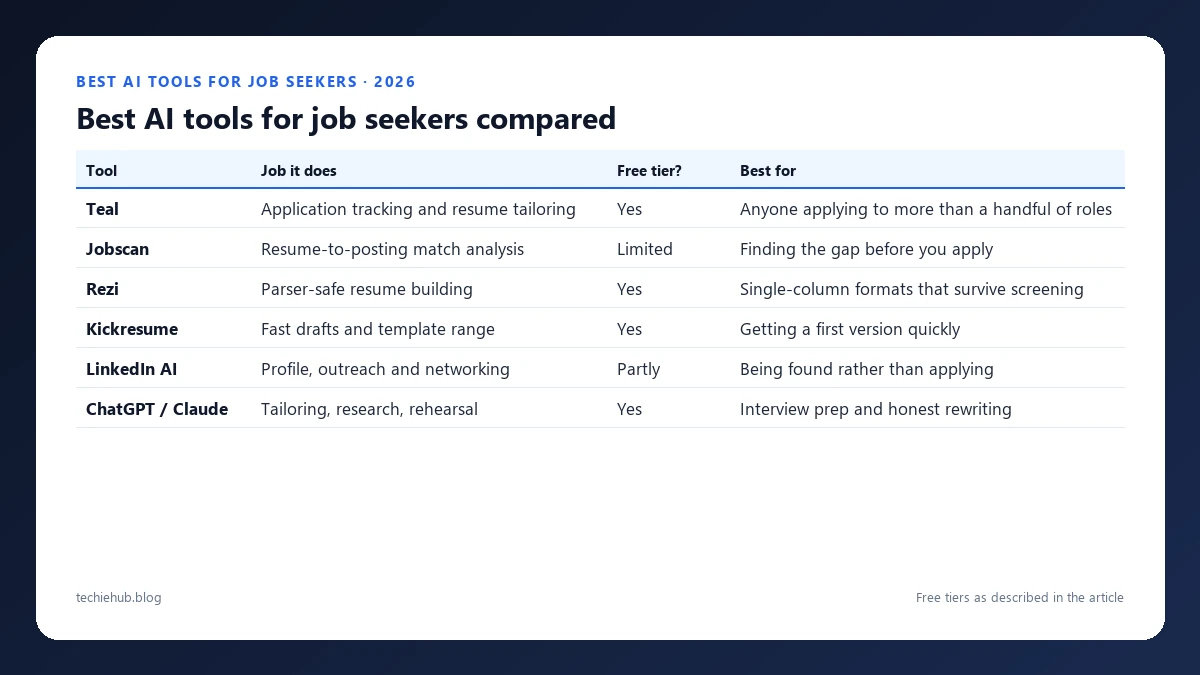
| Tool | Job it does | Free tier? | Best for |
|---|---|---|---|
| Teal | Application tracking and resume tailoring | Yes | Anyone applying to more than a handful of roles |
| Jobscan | Resume-to-posting match analysis | Limited | Finding the gap before you apply |
| Rezi | Parser-safe resume building | Yes | Single-column formats that survive screening |
| Kickresume | Fast drafts and template range | Yes | Getting a first version quickly |
| LinkedIn AI | Profile, outreach and networking | Partly | Being found rather than applying |
| ChatGPT / Claude | Tailoring, research, rehearsal | Yes | Interview prep and honest rewriting |
Teal — the tracker is the real tool
Job hunting fails on follow-up more than on applications. Teal keeps roles, versions, contacts and stages in one place and tailors the resume per posting. If you buy nothing, use a tracker — the candidates who convert are usually the organised ones rather than the most eloquent.
Jobscan — find the gap before you apply
Paste the posting, upload the resume, see what the employer asked for that you never mentioned. The value is diagnostic: it usually reveals that you did the thing but described it in different words. Fixing vocabulary you genuinely own is legitimate optimisation; inventing experience is not.
Rezi and Kickresume — build something a parser can read
Multi-column layouts, text in graphics and unusual fonts remain the most common self-inflicted wound in applications. Both tools default to single-column formats that survive automated screening. Rezi’s free plan covers one resume and three PDF downloads, with Pro at $29 a month or a $149 one-time lifetime licence — the lifetime option is the better deal if your search runs past five months. Kickresume is free with four templates and unlimited downloads; paid plans list at $19 a month, $9 a month billed quarterly or $4.50 billed yearly, discounted on the day we checked. Neither is worth paying for until the free version has produced a resume you would actually send. Our full comparison of the best AI resume builders covers this in depth, and AI cover letter generators handles the accompanying letter.

How do you get past an AI screen without gaming it?
Understand what the screen is doing. It is matching your described experience against the requirements — so the reliable strategy is describing real experience in the posting’s vocabulary, not manufacturing experience you lack.
- Mirror honest terminology. If the posting says “stakeholder management” and you did that work under another name, use theirs.
- One column, standard headings, real text. Nothing important inside an image or a text box.
- Tool, number, outcome in every achievement line. “Rebuilt weekly reporting in SQL, cutting prep from six hours to twenty minutes” survives every screen, human or automated.
- Never use invisible keyword stuffing. White text and hidden layers are detected and end the application.
- Apply to fewer roles, properly. Twenty tailored applications beat two hundred generic ones, and cost less time overall.
It is worth knowing what the other side is running: our guide to AI tools for recruiters sets out exactly how employers screen, and reading it as a candidate is unusually clarifying.
What rights do you have when AI screens you?
More than most candidates use, and the regulation is tightening rather than loosening.
- New York City requires bias audits and advance candidate notice for automated employment decision tools, so employers there must tell you.
- United States generally: the EEOC launched an initiative on algorithmic fairness in 2021 and withdrew its AI-specific hiring guidance in January 2025, which changes less than it sounds: Title VII is untouched, so an automated screen producing adverse impact remains unlawful discrimination.
- EU: recruitment sits in the high-risk category of the AI Act, bringing transparency and human-oversight duties for employers. Those duties were due in August 2026 and were deferred to 2 December 2027 by the EU’s omnibus amendment, so for now the right to ask is stronger in New York than in Europe.
- Practical move: you can ask what automated tools were used and request human review. Asking politely rarely harms your candidacy and occasionally gets your application read properly.
Where should you actually spend your effort?
The uncomfortable truth is that AI has made the application the least differentiating part of a job search, which raises the value of everything else.
- Referrals. A warm introduction still bypasses the screen entirely and no tool has changed that.
- Interview rehearsal. Practise the answers about decisions and trade-offs — the questions designed to find out whether you lived it.
- Portfolio evidence. Anything a model cannot generate for someone else: shipped work, writing, code, case studies.
- Research. Use AI to understand the company deeply enough to ask a question nobody else asks.
For interview preparation specifically, our guides to AI tools for students and AI writing tools cover the practice and drafting layers. Independent occupational data — pay ranges, outlook, typical entry paths — is available free from the US Bureau of Labor Statistics Occupational Outlook Handbook, which is a better basis for salary conversations than any AI estimate.
Frequently Asked Questions
What are the best AI tools for job seekers?
Teal for tracking applications, Jobscan for checking a resume against a posting, Rezi or Kickresume for building parser-safe documents, LinkedIn AI features for profile and networking, and a general assistant like ChatGPT or Claude for tailoring. The tracker and the scanner matter more than the writer, because most rejections are a targeting problem rather than a wording one.
Does AI help you get more interviews?
It helps if it makes you apply more precisely, and hurts if it makes you apply more. Tools that let you fire off eighty generic applications a week produce eighty rejections faster. The measurable gains come from matching your actual experience to the posting language and from applying to fewer, better-fitting roles.
Will employers know I used AI on my application?
Increasingly they assume it, because most candidates now do. Recruiters have stopped treating polish as a signal and started probing for specifics that cannot be generated — what you decided, what you would do differently, why a trade-off was made. Using AI is not the risk; being unable to discuss what it wrote for you is.
How do I get past an AI resume screener?
Use a simple, single-column layout the parser can read, mirror the exact terminology in the posting where it honestly applies to you, and put achievements in concrete terms with a tool, a number and an outcome. Do not stuff invisible keywords — it is detectable, and it ends applications rather than advancing them.
Is it legal for employers to screen me with AI?
Yes, with growing conditions. New York City requires bias audits and candidate notice for automated employment decision tools, several US states have added their own rules, and the EU AI Act treats recruitment as high risk. You can usually ask what automated tools were used and request human review — and the fact that most candidates never ask does not remove the right.
Should I use AI in a live interview?
No. Live assistance is the fastest way to lose an offer, it is increasingly detected, and it fails at the exact moment it matters — the follow-up question about something you claimed. Use AI heavily before the interview for research and rehearsal, and not at all during it.
Can AI tools help with salary negotiation?
They are useful for preparation and terrible as a script. A model can assemble comparable ranges, structure your case around evidence, and rehearse the awkward sentences with you. It cannot read the room or know the employer’s constraints, and negotiation delivered in someone else’s voice reads exactly as such.
What are the best AI tools for job search?
Teal is the strongest all-round job search tracker, Jobscan shows the keyword gap between your resume and a job description before you apply, and Rezi and Kickresume build resumes that applicant tracking systems can read; Kickresume has a free plan with four templates. Use AI to tailor each application, not to mass-apply.
Conclusion
The job search has become symmetrically automated, and the practical consequence is that polish is now table stakes and specificity is the only differentiator. A beautifully written application that you cannot discuss in detail is worse than a plain one you can.
Use AI to be organised and precise: track everything, diagnose the gap between your experience and the posting, format so the parser can read you, and rehearse until you can talk about every claim without notes. Then spend the time you saved on referrals and portfolio evidence — the two things that still route around the screen entirely.
