


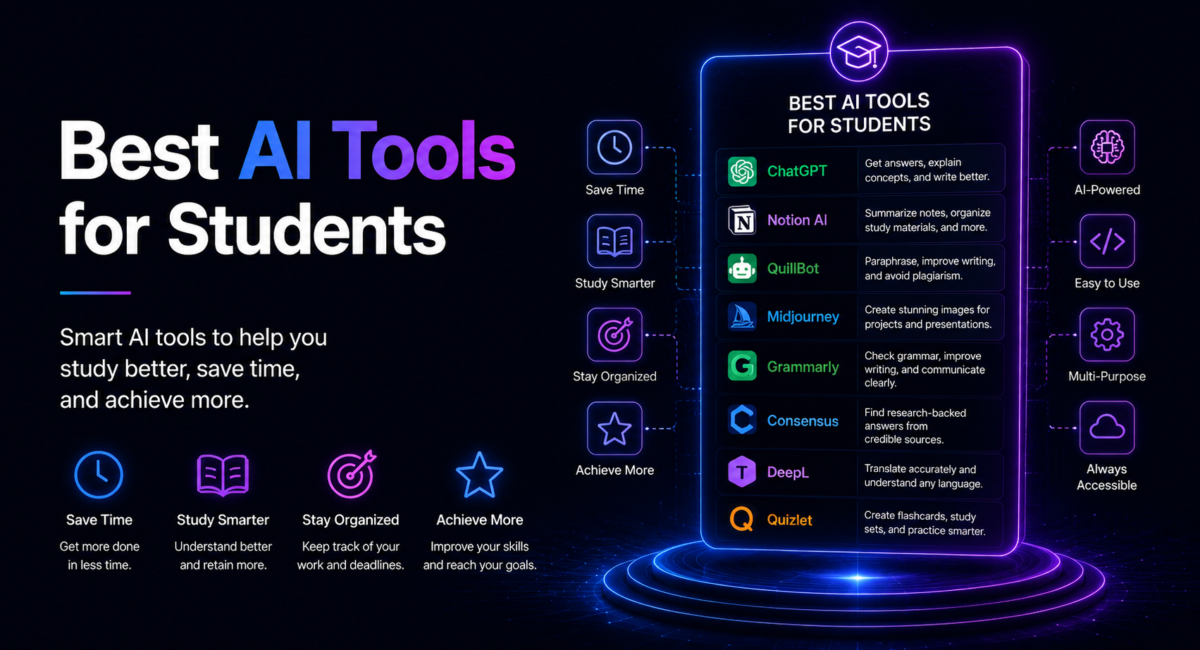
Ninety-five per cent of students now use generative AI in some way, according to the Higher Education Policy Institute’s 2026 survey, but the ones getting real value from it are rarely the ones typing “write my essay”. They are the students who quietly assembled a small toolkit: something to explain, something to quiz them, something to find real sources, something to check their prose. This is that toolkit, priced and pressure-tested for the 2026 academic year.
How we compare: we test every tool on its free tier first, push the same five undergraduate jobs through each – explaining, source-hunting, summarising, generating practice questions and reviewing a draft – and only then ask whether the paid tier earns a place on a student budget. Prices were checked on 2 October 2026.
Affiliate disclosure: some links here are affiliate links. If you subscribe through one we may earn a commission at no extra cost to you. It never decides which tools make the list.
| Quick answer: For most students in 2026 the best stack is still free. Use ChatGPT’s Study Mode or Claude’s learning mode to be tutored rather than told, NotebookLM to revise from your own lecture notes, Perplexity for cited research, Quizlet or Anki for recall, and Grammarly for a final proofread. |

Table of Contents
What are the best AI tools for students right now?
For explaining and tutoring
The 2026 shortlist splits into four jobs. For explaining and tutoring, ChatGPT and Claude are the two general assistants worth learning properly. ChatGPT’s free tier now runs on GPT-5.6 Luna, with GPT-6 Luna appearing in parts of the desktop app, and its Study Mode deliberately slows down: hints, follow-up questions and comprehension checks instead of a finished answer. Anthropic’s current flagship is Claude Opus 5.5, and Claude Pro at $20 a month includes Opus alongside Sonnet and Haiku, so students do not need the $100 Max plan; its effort control trades depth against speed, and its learning mode uses Socratic questioning rather than handing over solutions. If your university runs Claude for Education, you may already have premium access free through your student login: Stanford switched on campus-wide access on 30 June 2026, alongside LSE, Dartmouth and Northeastern.
For research
For research, Perplexity answers with inline, clickable citations, which is the difference between a claim you can submit and one you can only hope is true. NotebookLM is the other half of that story, answering only from the lectures, PDFs and papers you upload, so it cannot invent a source that was never there. Both belong in any serious set of AI research tools, and we go deeper on citation workflows in our guide to AI tools for academic research.
For writing
For memory
For memory, Quizlet still owns flashcards, generating study sets and adaptive practice tests from your notes, with Anki as the free alternative. For writing, Grammarly catches grammar and clarity problems in work you actually wrote. For maths, Wolfram Alpha computes and shows its steps, while Khan Academy’s Khanmigo is built never to simply give the answer.
How much does a study stack cost in 2026?
A complete free stack
The honest answer is that a complete one costs nothing. NotebookLM is now branded Gemini Notebook, and its free tier still carries every core feature: 100 notebooks, 50 sources per notebook, 50 chat queries a day, Audio and Video Overviews and Deep Research. It has no student offer attached any more, because Google’s free 12-month AI Pro promotion closed to US students on 30 April 2026. ChatGPT and Claude both have usable free tiers, Grammarly’s free plan handles ordinary proofreading, and Khan Academy is free outright. Paying only makes sense once a specific limit starts costing you time.
| Tool | Free tier | Student price, October 2026 | Best for |
| ChatGPT | Yes, GPT-5.6 Luna with message caps | Go $8/mo, Plus $20/mo | Explaining, practice questions |
| Claude | Yes | Pro paid, free on Education campuses | Reasoning, draft feedback |
| NotebookLM | Yes, all core features | Google AI Plus from $4.99/mo | Revising your own notes |
| Perplexity | Yes | $10/mo verified student | Cited research |
| Quizlet | Yes, manual flashcards | Plus $35.99/yr or $7.99/mo | Spaced repetition |
| Grammarly | Yes | Pro $144/yr, about $72 verified | Proofreading |
Student discounts worth claiming
Two rows deserve a flag. Perplexity’s student rate is verified through SheerID and halves the standard $20 subscription, and more than 3,000 universities already hand out Grammarly Pro through an institutional licence, so check your library’s software page before paying for either. Khanmigo, at $4 a month or $44 a year for learners, is the cheapest dedicated tutor here.

Which tool suits which study task?
Match the tool to the job and the whole thing gets simpler. To understand something new, use a general assistant in study or learning mode: ask it to explain the concept at three levels of difficulty, then to quiz you on it. To revise your own material, use NotebookLM. Upload the lecture slides and the assigned chapter, then ask for a summary, a question bank and an audio overview for the walk to campus.
To find sources, start with Perplexity and follow every citation to the original, because a citation you have not opened is not a citation. To memorise, use Quizlet or Anki daily in short sessions; it is the least glamorous step and the one that actually moves grades. To write, draft it yourself and then ask an assistant for structural feedback, since “where is my argument weakest?” beats “make this better”, with Grammarly for the final pass. Our guide to AI writing tools covers that feedback-not-ghostwriting workflow in detail. For maths and STEM, use Wolfram Alpha for computation and worked steps and an assistant for the intuition behind them. Notice that no single tool covers more than two of those rows.
How do you use AI without crossing into cheating?
This is the part that decides whether AI helps or hurts you. HEPI’s 2026 student survey found 95% of students use AI in some way and 94% use it on assessed work, up from 66% overall usage in 2024. It also found the share using AI to generate text fell from 64% in 2025 to 56% in 2026, which suggests students are shifting from ghostwriting toward explanation and revision.
Where the line actually sits
The line is simple to state: AI should help you learn, not do your work. Having a concept explained, being quizzed, summarising an assigned reading or getting feedback on a draft you wrote are all defensible. Submitting AI-written prose as your own is not, and it breaches the academic-integrity policy at almost every institution.
Three rules that keep you safe
Three rules keep you on the right side. Read your own course policy, since 38% of students now say their institution provides AI tools, up from 9% in 2024, and those institutions publish rules alongside them. Disclose AI use whenever your department asks, because the request is about transparency rather than punishment. And verify everything: assistants still state wrong facts confidently and still invent plausible references, so never submit a claim or source you have not checked against the original.

Can AI detectors prove you cheated?
Not reliably, and it matters that students know why. The most-cited study on this, published in Patterns by Liang and colleagues, ran essays through seven widely used GPT detectors. Writing by native English speakers was classified almost perfectly, while TOEFL essays by non-native speakers were falsely flagged as AI-generated at an average rate of 61.22%.
The mechanism is straightforward. Detectors lean on statistical measures such as perplexity, and writers with a smaller working vocabulary produce more predictable prose, which reads to a detector exactly like a language model. So the tool systematically misfires on international students, and a score is evidence of nothing on its own. The practical implication is not to learn evasion tactics but to keep your drafts and version history, because a document history showing the work develop beats trying to sound less like a machine.
How Ines halved her pharmacology revision
Ines Cardoso is a second-year nursing student who had four weeks until a pharmacology exam covering roughly 200 drug interactions, material that punishes cramming and rewards daily recall. Her old method was rereading lecture slides for six hours a week, with little to show for it.
She rebuilt it around three tools. All eleven lecture decks and the module reading list went into NotebookLM, which produced a chapter-by-chapter summary and, more usefully, an audio overview she listened to on the bus. She then asked Claude to generate 20 exam-style questions per lecture at increasing difficulty and, in learning mode, to explain why each wrong answer was wrong rather than simply marking it. The drug pairs she kept missing went into a Quizlet set she reviewed for ten minutes every morning.
After four weeks, revision time had dropped to roughly three hours a week, her practice-test scores rose from the low 60s to the mid 80s, and, the part she cared about, she could explain the mechanisms out loud instead of merely recognising them on a page. Nothing she submitted was AI-written. The AI built the practice; she did the recall.
This example is a composite of the student workflows we see most often, not a single client account; the figures are typical rather than measured from one engagement.
Frequently Asked Questions
What are the best AI tools for students in 2026?
ChatGPT and Claude for explanation and practice questions, NotebookLM for revising your own notes, Perplexity for cited research, Quizlet or Anki for memorisation, Grammarly for proofreading, and Wolfram Alpha for maths. Most have capable free tiers, so the right mix depends on your subjects rather than your budget.
Is using AI for schoolwork cheating?
It depends entirely on how. Using AI to explain a concept, quiz you, summarise an assigned reading or critique a draft you wrote is legitimate at most institutions. Using it to write the work you submit is cheating. Read your course policy and disclose AI use where required.
Can students get AI tools for free?
Yes. ChatGPT, Claude, Perplexity and Grammarly all have free tiers, NotebookLM’s free Standard plan includes every core feature, and Khan Academy is permanently free. Check your university too, because many campuses now provide premium access through institutional licences you already pay for.
Are AI detectors accurate enough to trust?
No. Research published in Patterns found seven common detectors falsely flagged 61.22% of TOEFL essays by non-native English speakers as AI-generated, while classifying native writing almost perfectly. A detector score proves nothing on its own. Keep your drafts and version history as evidence instead.
Which AI tool is best for writing essays?
None, if you mean writing them for you. For legitimate help, draft the essay yourself, then use Claude or ChatGPT for structural feedback on argument and evidence, and Grammarly for the final grammar and clarity pass. The thinking has to stay yours to count.
How do I stop relying on AI too much?
Decide in advance which jobs you hand over and which you keep. Attempt every problem before asking, use study or learning modes that withhold answers, and test yourself without the tool each week. If you cannot reproduce the reasoning unaided, you have not learned it.
Which AI tool is best for maths and STEM problems?
Not a plain chatbot — pick something that computes rather than predicts. A language model generates the next token, so it can produce a confident, well-formatted answer with an arithmetic error buried in step four, and multi-step calculation is exactly where that happens. Two routes work. Use an assistant with code execution, such as ChatGPT’s Advanced Data Analysis, so the maths is actually run in Python rather than predicted. Or use a dedicated engine — Wolfram Alpha for symbolic work, Symbolab or Photomath for step-by-step solutions you can follow. Either way, ask for the working rather than the answer: a wrong final number is obvious once you can see the steps, and checking the steps is also the part that teaches you anything.
Conclusion
The strongest AI study setup in 2026 is small, mostly free and deliberately split by job: one assistant to explain and quiz, one grounded tool to revise from your own material, one researcher that cites, one flashcard app and one proofreader. Build that and you have most of what any student needs. Add one more only if you present regularly: for seminar and project slides, the AI presentation makers we compare have usable free tiers.
What separates the students who benefit from the ones who stall is not the tool list, it is the decision about which work stays theirs. Use AI to generate practice, then do the practice. Use it to critique your draft, not to produce it. Verify every citation before it reaches a bibliography. For how these assistants behave outside coursework, our pillar guide to the best AI tools for business puts the same models under professional workloads.
